Fewer lost Messenger orders
Let customers place orders while your team is busy.

Customers can move on while they wait for a Messenger reply. Give them a link from chat to your online store, where they can choose pickup or delivery, place an order, and track it. Keep walk-in and phone orders in the same queue.
Favorites from Mister Burger
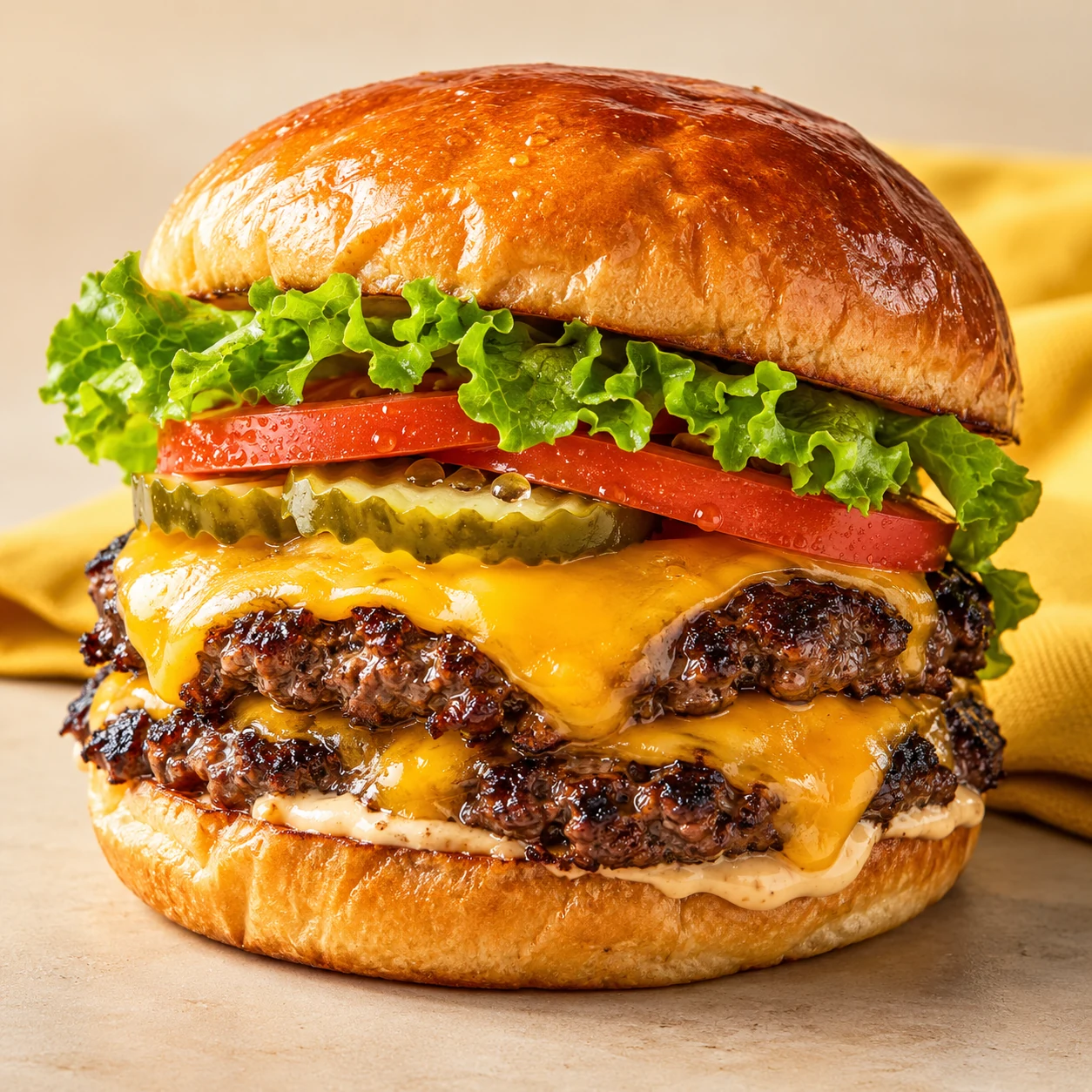 The Mister Double₱249
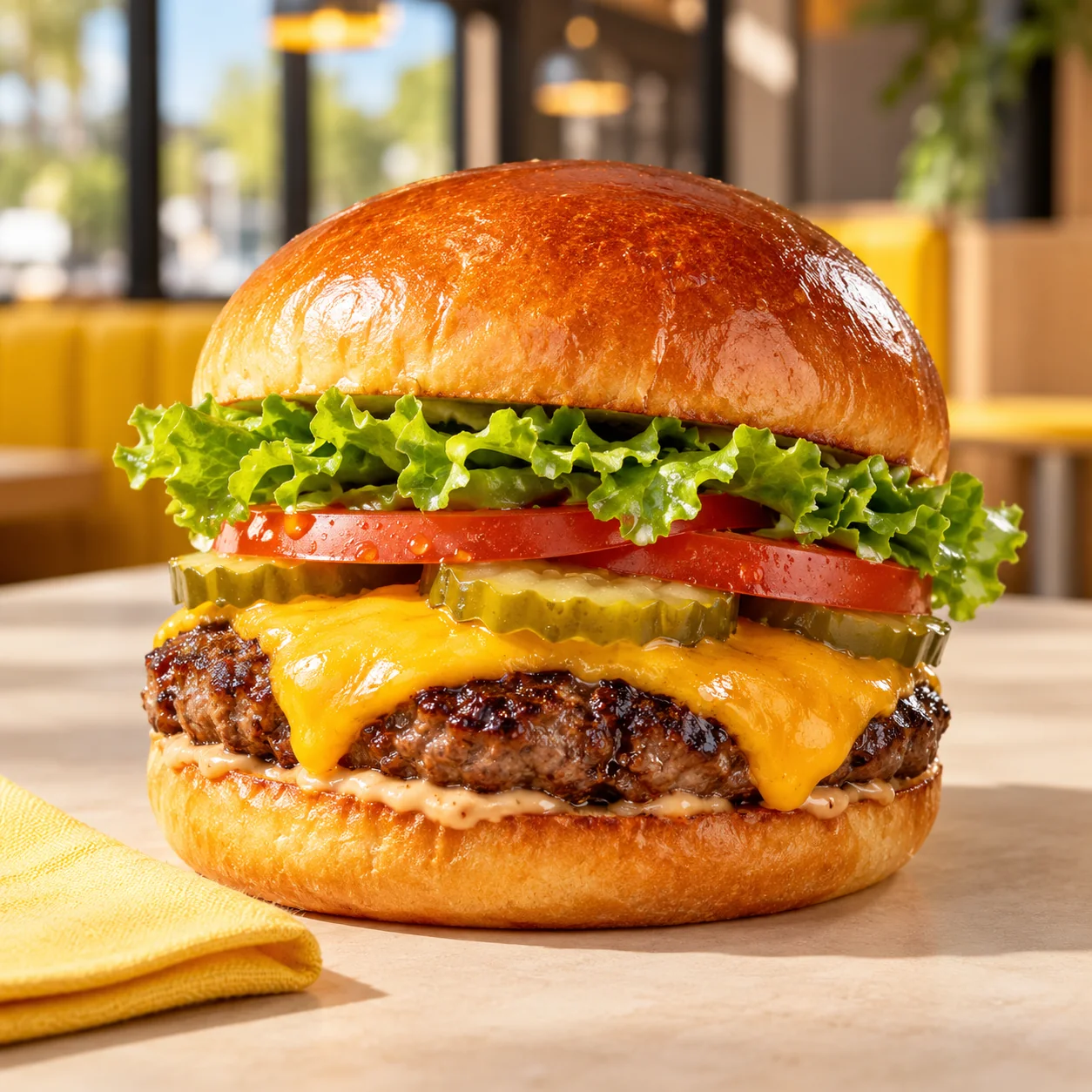 Classic Cheeseburger₱179
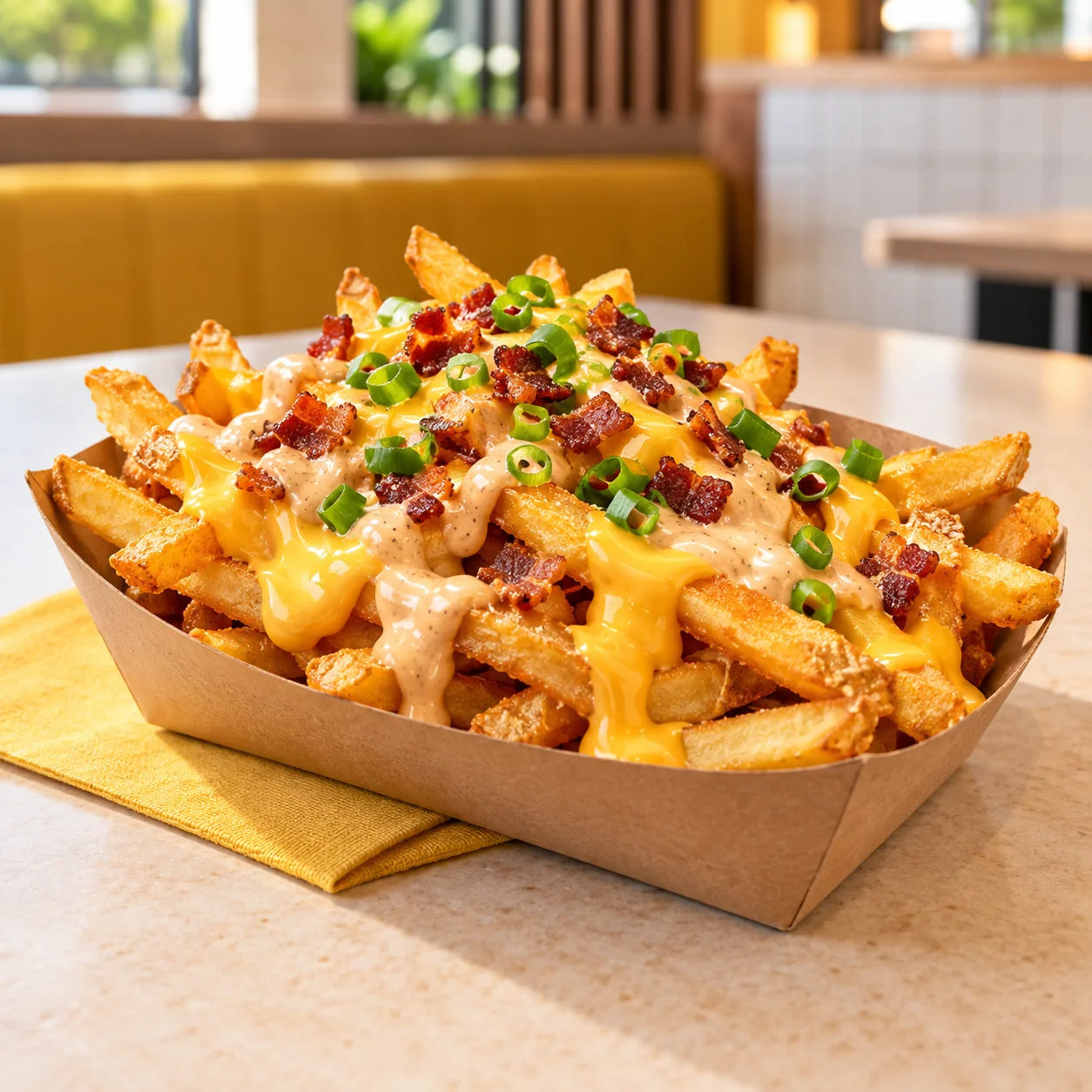 Loaded Fries₱149
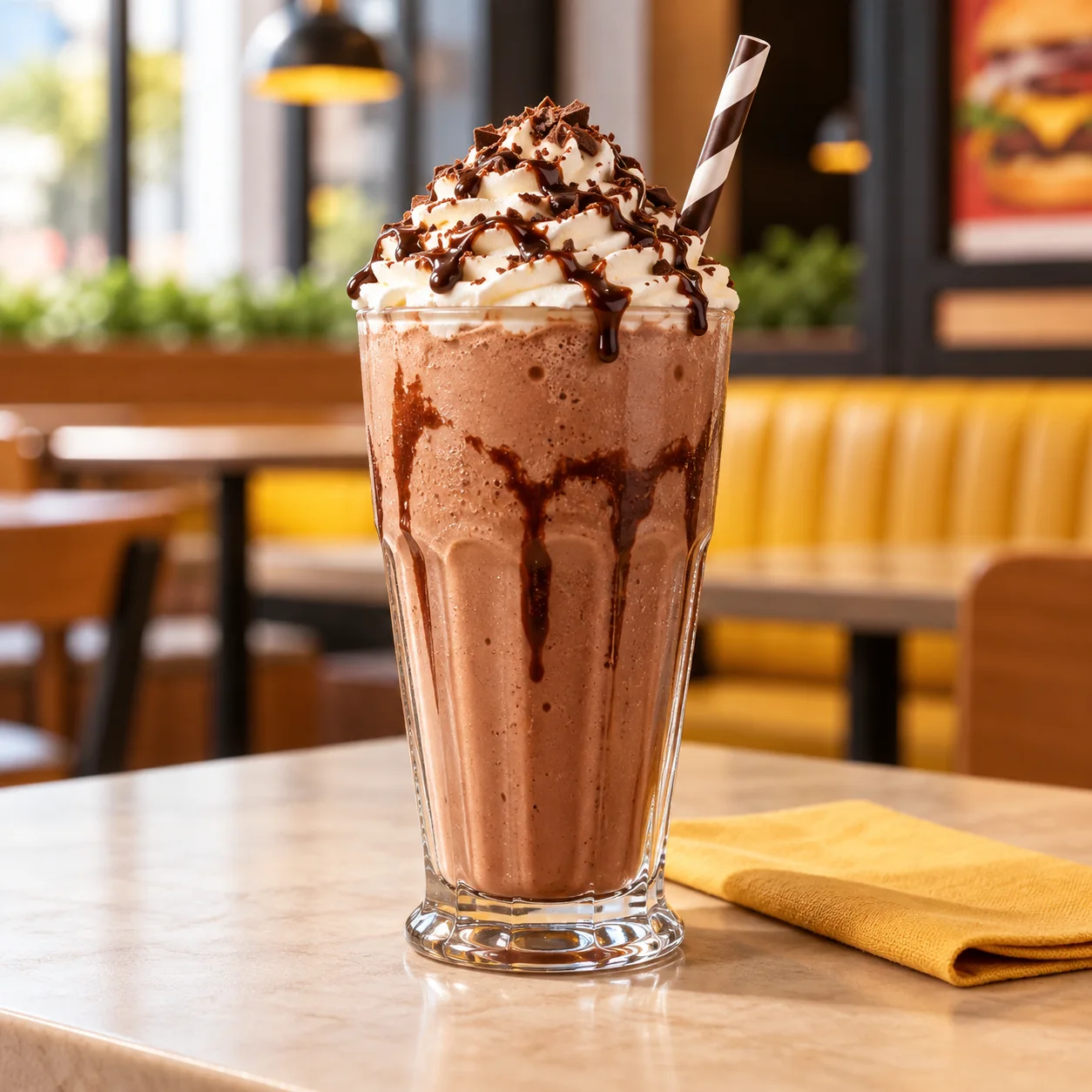 Chocolate Shake₱129
One clear menu for your online conversations, with room for orders that come in person or by phone.
Let customers place orders while your team is busy.
Keep counter, phone, and online orders together.
Add your store details and menu photos to get ready for orders.
A Messenger order and a walk-in order should reach the same kitchen without retyping. From there, your team can handle pickup or delivery and give regulars a reason to return.
Customers place their own orders from Messenger. Staff enter walk-in and phone orders with the same menu and prices.
Accepted orders reach the kitchen display and can automatically print a preparation ticket on supported hardware.
Mark pickup orders ready, or assign delivery orders to your own rider and follow the handoff in one queue.
Your regulars will earn loyalty points within your account on eligible orders and use them toward a future order.
Menu setup and private preview are available now. Customer ordering, counter entry, kitchen tools, and delivery open with the pilot. Loyalty points follow in a later release.
Set up one store, multiple branches, or a directory of partner stores. Customers order from one store at a time. Build your menu and preview it before your pilot opens.
Get Started FreeContinue with Google, then add your store name, address, and logo.
Upload menu photos or a PDF and review the draft, or add items with prices and photos manually.
Check how customers will see your store, menu, and prices. Fix anything you like before sharing your ordering link.
Bring your logo and menu. Set up the online store your customers can order from.